
Pool media · 3 min read
Plan a Pool Photo or Video Shoot That Produces Useful Footage
A pool shoot can consume hours and still miss the image or demonstration you needed. Start with deliverables, permission and a shot list. Then prepare the table, lighting and player positions so the cue, balls and result remain readable. The session should document real play safely rather than manufacture product or performance claims.
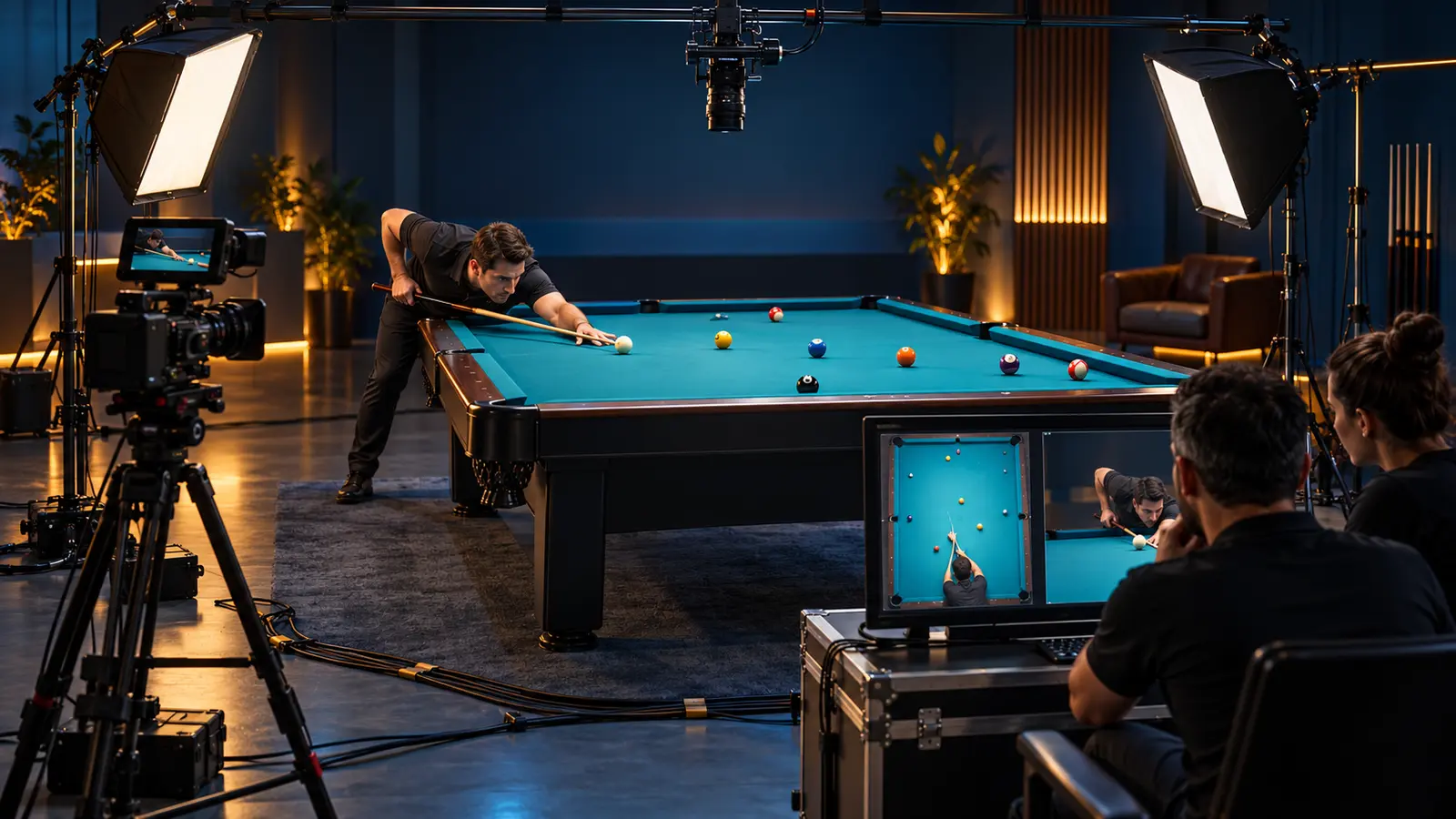
Define the deliverables first
List each required output: horizontal lesson, vertical short, product detail, thumbnail, still photograph or event recap. Add target duration, orientation and the moment each asset must show.
One vague request for 'content' invites missed coverage. A useful brief might require an overhead full-table view, a side view of cue delivery, three clean product stills and ten seconds of room atmosphere.
Secure permission and identify advertising
Confirm the venue permits filming and obtain appropriate permission from recognizable participants before recording or publication. Agree how names, likenesses and footage may be used; seek qualified legal advice for the release language your project requires.
If the content endorses a product and a creator has a material relationship with the brand, the FTC calls for clear disclosure. Plan that disclosure into spoken, on-screen and caption content rather than adding a vague tag later.
Prepare the table without falsifying the result
Clean the balls and cloth using approved methods, remove visual clutter and match the ball set to the intended game. Mark repeatable layouts only with venue-approved removable spots.
If a demonstration uses multiple takes, edited timing or a specially arranged result, describe it accurately when that context matters. Do not present a staged setup as an uncontrolled product test.
Make the cue, contact and outcome readable
Use an overhead or high three-quarter angle for routes and patterns. Use a side or down-line angle for stance and stroke. Keep camera equipment, cables and operators outside the player's cue path and public walkways.
Lock exposure, focus and white balance when conditions are stable so successive attempts can be compared. Check reflections on polished balls and bright rails before recording the full sequence.
Capture clean source files
Record at the frame rate required by the final presentation and keep that frame rate through export when possible. YouTube's current upload guidance recommends progressive video and uploading at the same frame rate used for recording.
Record several seconds before and after each action, monitor audio and name the take aloud or on a slate. Back up the original files before formatting cards or clearing cameras.
Use a compact shoot checklist
- Confirm deliverables, orientations and publishing destinations.
- Confirm venue, participant and product permissions.
- Prepare a numbered shot list and table layouts.
- Test lighting, reflections, focus and audio.
- Capture wide, instructional and detail coverage.
- Back up source files and retain disclosure and release records.
Sources and further reading
References support the specific factual information above. The practical checklists are Ariakon editorial guidance.